
All-in-One AI Image to Video Generator
Upload a photo and animate it with Seedance 2.5, Veo 3.1, Kling 4.0, Wan 3.0 and more, all from one image to video AI workspace.
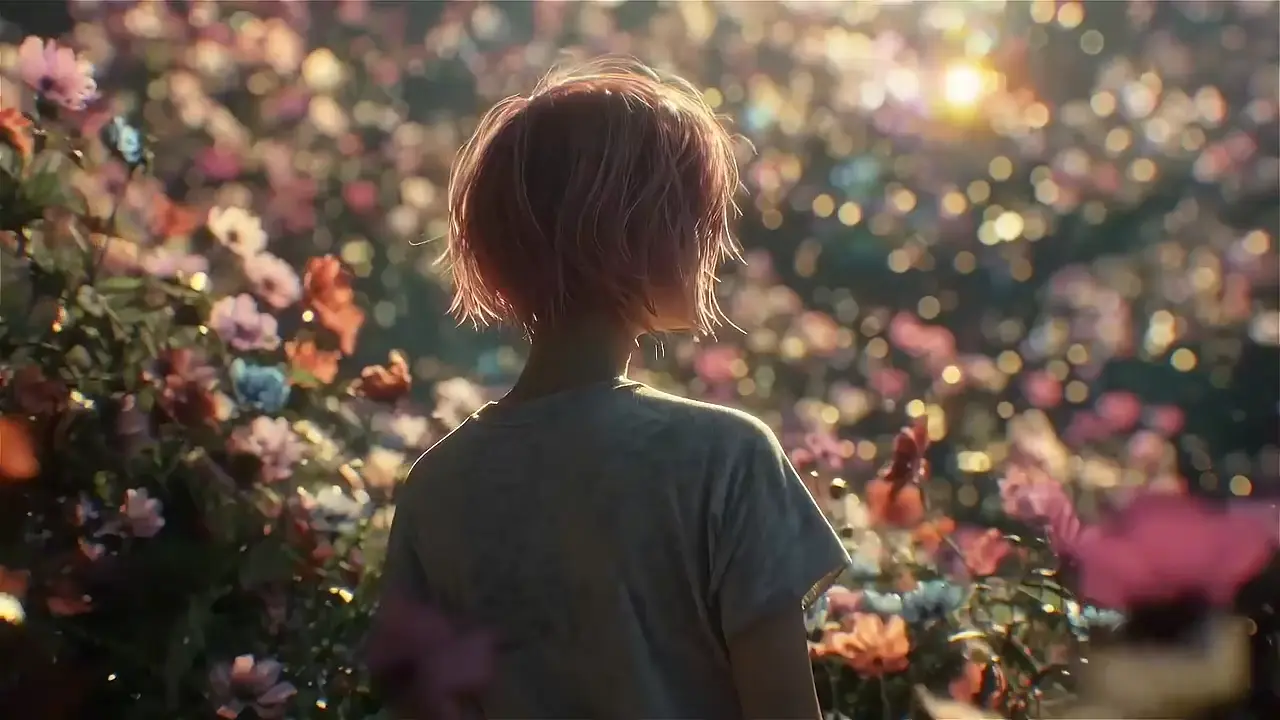
Animate Any Images with Nereo Image to Video AI Generator
Turn any static image into a vivid story with Nereo! Generate creative videos from your uploaded photos with our smart AI image to video generator.

An elven archer in green armor, longbow drawn, wears a mysterious smile. Her golden hair sways naturally in the breeze. A vertical tracking shot circles behind her as a green-glowing arrow launches smoothly. The camera follows its trajectory through dense forest, sunlight filtering through leaves to create dancing patches of light. The handheld shot creates a dynamic sense of pursuit.
An elven archer in green armor, longbow drawn, wears a mysterious smile. Her golden hair sways naturally in the breeze. A vertical tracking shot circles behind her as a green-glowing arrow launches smoothly. The camera follows its trajectory through dense forest, sunlight filtering through leaves to create dancing patches of light. The handheld shot creates a dynamic sense of pursuit.
Turn One Photo Into More Video Ideas
Nereo Image to Video is built for fast,repeatable production when you need to turn one visual idea into multiple publish-ready assets.
Build Faster Creative Iteration From a Single Image
A single high-quality image can become multiple creative routes with different pacing, camera movement, and scene mood. This makes testing easier and shortens the path from first concept to usable video.
Keep Quality Stable Across High-Volume Output
When content demand increases, consistency becomes as important as speed. Nereo AI image to video workflows help you maintain visual direction across many assets while still adapting tone and format for each platform.
Validate Ideas Early With Image to Video AI Free
Image to video AI free is useful for early-stage validation before scaling production. You can test prompt quality, motion style, and narrative direction first, then invest more only in concepts that show clear creative potential.

Breathe Life into Your Static Images!
Turn any photo into a stunning video with our AI image to video generator. Upload your image and watch it come to life in seconds.
Choose a Model for Your Photo
Every model below works from a single uploaded image. Open a model page to see examples and details.
Who Gets the Most Value From Nereo Image to Video
Nereo Image to Video works best when you need to turn still visuals into frequent, high-performing video assets.
How You Can Convert Image Into Video Using AI With Nereo Image to Video
Nereo Image to Video keeps the process simple while giving you enough control to get production-ready output.
Step 1: Upload a Clean, High-Resolution Image
Choose an image with a clear subject, stable composition, and good lighting. Strong input quality makes generation more natural.
Step 2: Write Motion, Camera, and Style in One Prompt
Describe subject movement, camera behavior, and visual mood in one concise prompt. Clear direction helps AI image-to-video output look better.
Step 3: Generate, Compare Versions, and Export
Click Generate Video, compare the result with other prompts or models, then download the version you want to use.
More Ways to Make Video
Starting from something other than a single photo? These tools cover the next step.
Flow AI Video Generator
Create videos from text, images and references.
Text to Video
Generate a clip from a written description.
Reference to Video
Guide a video with several reference images.
Video to Video
Restyle or change a video you already have.
Lip Sync
Match a character's mouth to a voice track.
Video Upscaler
Raise the resolution of a finished clip.
FAQ about Nereo Image To Video
Can't find what you're looking for? Contact our customer support team
For most creators and teams, Nereo image to video is one of the best choices because it balances output quality, generation speed, and workflow control in one place. You can turn a single image into multiple production-ready video variants, keep visual consistency across campaigns, and move from quick testing to commercial delivery without changing tools.
In Nereo image to video, the process is simple: upload your source image, write a prompt with subject motion and camera direction, choose duration and output settings, then generate multiple versions and compare results. Once you pick the strongest version, export it directly for social, ads, or landing-page use. This workflow helps you validate ideas quickly and scale only the concepts that perform.
Image to video AI free tiers are useful for concept validation, early prompt testing, and quick creative experiments. When you need longer clips, higher quality settings, or higher-volume delivery, paid options are usually more suitable.
Use AI image to video when you already have a key visual and need style consistency. Use text to video when you need to create scenes from zero and explore broader narrative directions.
High-resolution images with a clear subject, clean lighting, and simple composition usually perform best. Strong input quality helps the model produce smoother motion and more controllable results.
Yes, if your selected plan includes commercial usage rights. For paid distribution and client work, always confirm licensing and usage terms before launch.
Yes. New Nereo accounts get free credits, which cover a short test clip: a 4-second 480p video with Seedance 2 Mini costs 3 credits. The welcome amount varies by country, and longer clips or higher resolutions cost more credits.
Yes. You need a free Nereo account to generate a video, because each clip uses credits and is saved to your creations.
It depends on the model. Veo 3.1 makes 8-second clips, Seedance 2.0 runs up to 15 seconds, and Seedance 2.5 runs up to 30 seconds. The form shows the length, resolution and credit cost for the model you pick.
Use Seedance 2 Mini or Wan 3.0 for low-cost tests. Choose Seedance 2.5 when you want sound in the clip, and Veo 3.1 when you need up to 4K. Running the same photo through two models is the quickest way to see which one suits it.
Breathe Life into Your Static Images!
Turn any photo into a stunning video with our AI image to video generator. Upload your image and watch it come to life in seconds.