
Parent-Friendly Scenes
Place the product in feeding, nursery, travel, bath, or bedtime contexts so parents can understand its role at a glance—without letting the lifestyle scene hide the item being sold.
Turn product photos and approved details into ecommerce video ads for product pages, TikTok, Instagram, and paid social—without a studio shoot or manual editing
İstediğiniz videoyu anlatın — örn. “kahve markam için 15 sn dikey reklam”
Turns baby product images and approved product information into clear AI video ads that show what the item is, how it is used, who it is for. Create versions for new parents, gift shoppers, and returning customers while keeping product features and claims easy to review before publishing
Place the product in feeding, nursery, travel, bath, or bedtime contexts so parents can understand its role at a glance—without letting the lifestyle scene hide the item being sold.
Create a hero reveal, feature-led demo, or offer-focused cut from the same product assets for listings, email, and paid social.
Choose an audience and ad angle, generate the video, review product details and claims, then export a campaign-ready version without building a timeline by hand.
Turn close-up product images into product video ads that answer buying questions. Show fabric texture, fasteners, measurement marks, packaging, included accessories, and care information so shoppers can compare the item with confidence.
Create Detail Video
Create gift-focused ecommerce video ads for baby showers, birthdays, holidays, and registry shopping. Show the full bundle, packaging, included items, intended age or stage, and the moment the gift is opened.
Create Gift Ads
Launch a new baby or kids SKU with an AI video ad built from the product assets you already have. Create a product reveal for the PDP, a feature-led version for paid social, and a shorter offer-led cut for email or retargeting.
Launch Baby SKU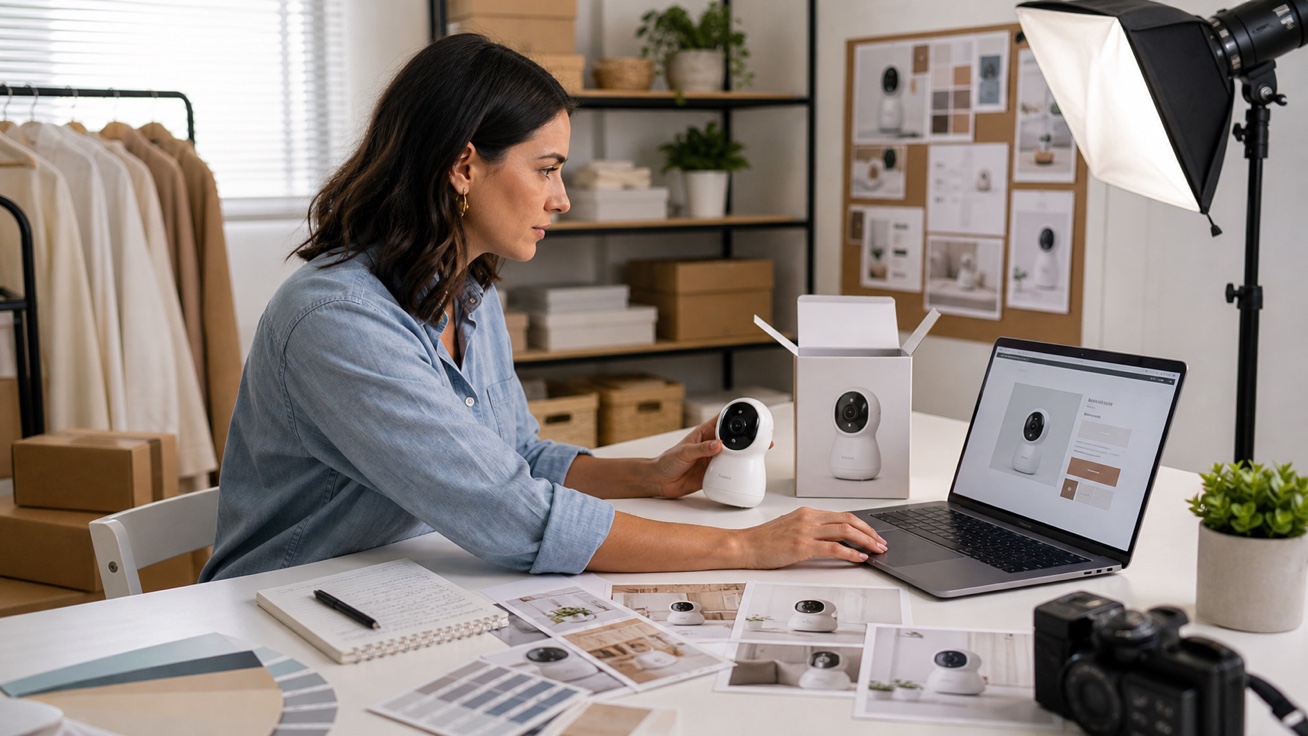
Help shoppers picture the product in a real routine: feeding, travel, bath time, bedtime, or nursery setup. Structure the video around one use moment—context, practical benefit, and CTA—rather than combining several unrelated scenes.
Create Routine Scenes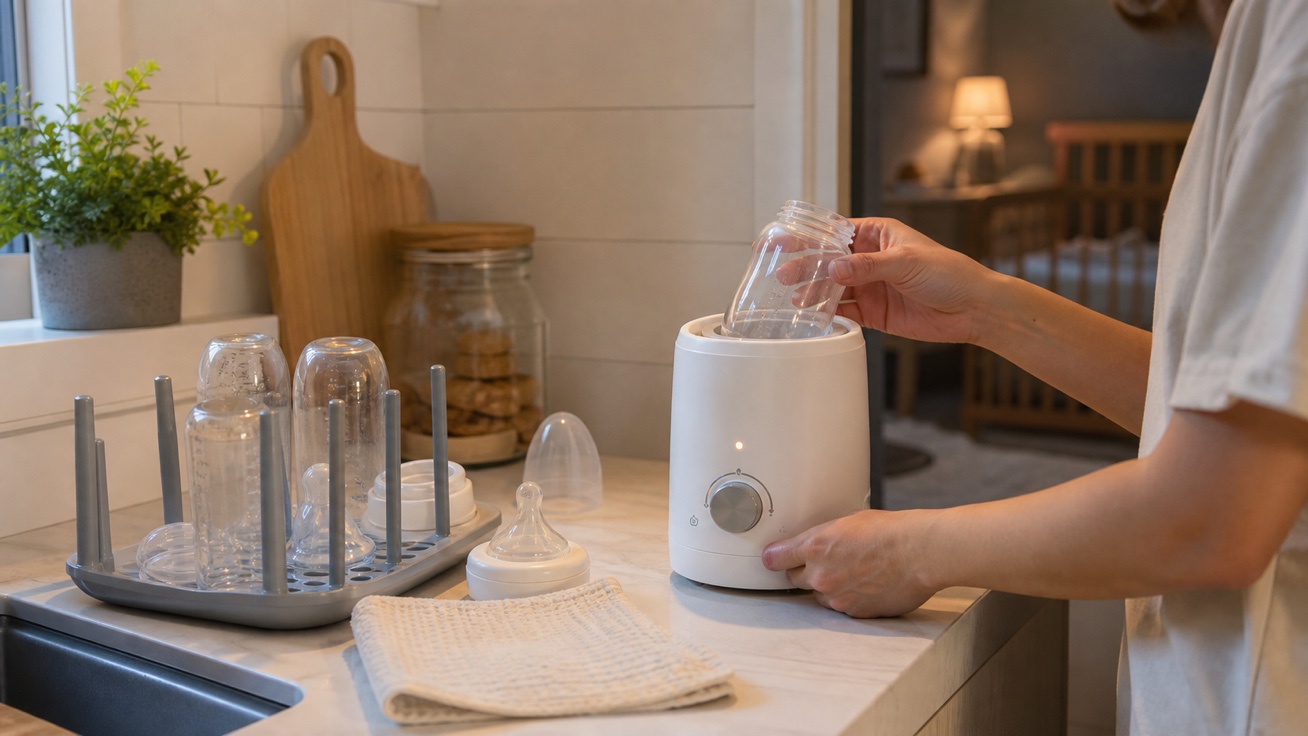

Baby Sellers
Turn product photos into listing videos that answer pre-purchase questions about size, setup, materials, included parts, care, and everyday use. Give shoppers a closer look before they leave the product page or open another listing.
Upload product photos and add category, materials, safety details, sizing, packaging, audience, and offer.
Pick comfort, safety, gifting, daily routine, product launch, social content, or ecommerce listing direction.
Create the baby product video ad, check claims and product accuracy, then export it for stores, ads, social, or email.
 Use This Tool
Create product ad videos from assets and offers.
 Use This Tool
Turn marketplace product links into ecommerce videos.
 Use This Tool
Turn store product links into ecommerce videos.
 Use This Tool
Create creator-style product videos and testimonials.
 Use This Tool
Build product list videos for buying guides and gift guides.
 Use This Tool
Create ad variations from proven creative structures.
Find answers to common questions about our AI video generation service.
It is an AI video ad generator designed to turn baby and kids product photos, approved product details, audience information, and campaign goals into short product ads. It can help create product reveals, detail-led demos, and ecommerce video ads.
Upload clear product images and add approved details such as materials, size, included parts, care information, offer, and CTA. Choose one ad angle and channel, generate the video, then review product accuracy, claims, and placement requirements before export.
You can create videos for carriers, bottles, baby skincare, feeding products, bath products, stroller accessories, and gift bundles. For regulated or safety-sensitive products, use only approved documentation and avoid implying certification or performance that the product has not earned.
Yes. Create separate versions for TikTok, Instagram Reels, Stories, YouTube Shorts, product pages, and paid social, with the hook, pacing, and CTA matched to each placement. Check the current platform specifications before publishing.
No manual timeline editing is required for the basic workflow. You still need to choose the campaign direction and review the generated video for product fidelity, approved claims, safe-use depiction, spelling, and offer accuracy.
Free 6 credits, trial access, export limits, and watermarks depend on Nereo’s current plan and pricing terms. Check the pricing page for the latest allowance before starting a campaign.