
Single-ASIN Feature Focus
Use ASIN assets, keyword ideas, and ad messages as campaign context to create videos for Amazon PPC needs.
Turn product images, feature points, and keyword directions into focused single-ASIN videos for PPC testing and campaign refreshes.
İstediğiniz videoyu anlatın — örn. “kahve markam için 15 sn dikey reklam”
Turn approved ASIN assets into 1–5 focused feature videos for one product. Amazon can show up to three contextually relevant video thumbnails based on shopper signals, while Nereo helps you prepare the creative assets for review.
Use ASIN assets, keyword ideas, and ad messages as campaign context to create videos for Amazon PPC needs.
Keep each video focused on visible product benefits instead of broad storytelling or unfocused demos.
Create related video versions from one brief so teams can test hooks and angles without rebuilding every ad.
If shoppers search for easy-clean cookware, demonstrate the cleaning process visually. Do not display “best easy-clean pan” unless that claim is approved and supported.
Create Keyword Hook Video
Use product images, listing points, and feature notes to create ad-ready videos for one promoted ASIN. Keep attention on the product benefit that earns the click.
Create ASIN Feature Video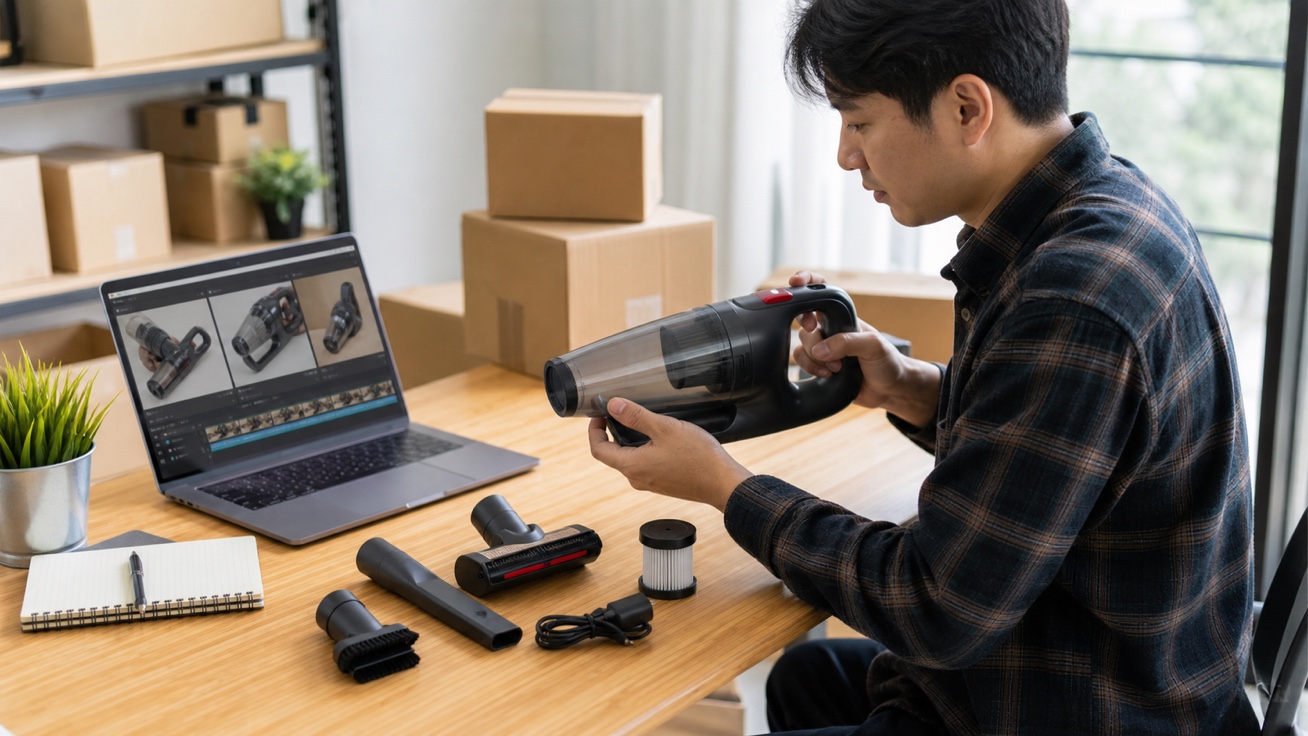
Show one clear use case with the product occupying most of the frame. Use natural interaction when appropriate, but keep the scene simple enough for shoppers to understand without audio.
Create Use Scene Video
The same ASIN may use different feature videos across ad groups. Keep the product asset fixed, change one creative variable, and compare performance separately in Amazon Ads.
Create PPC Variations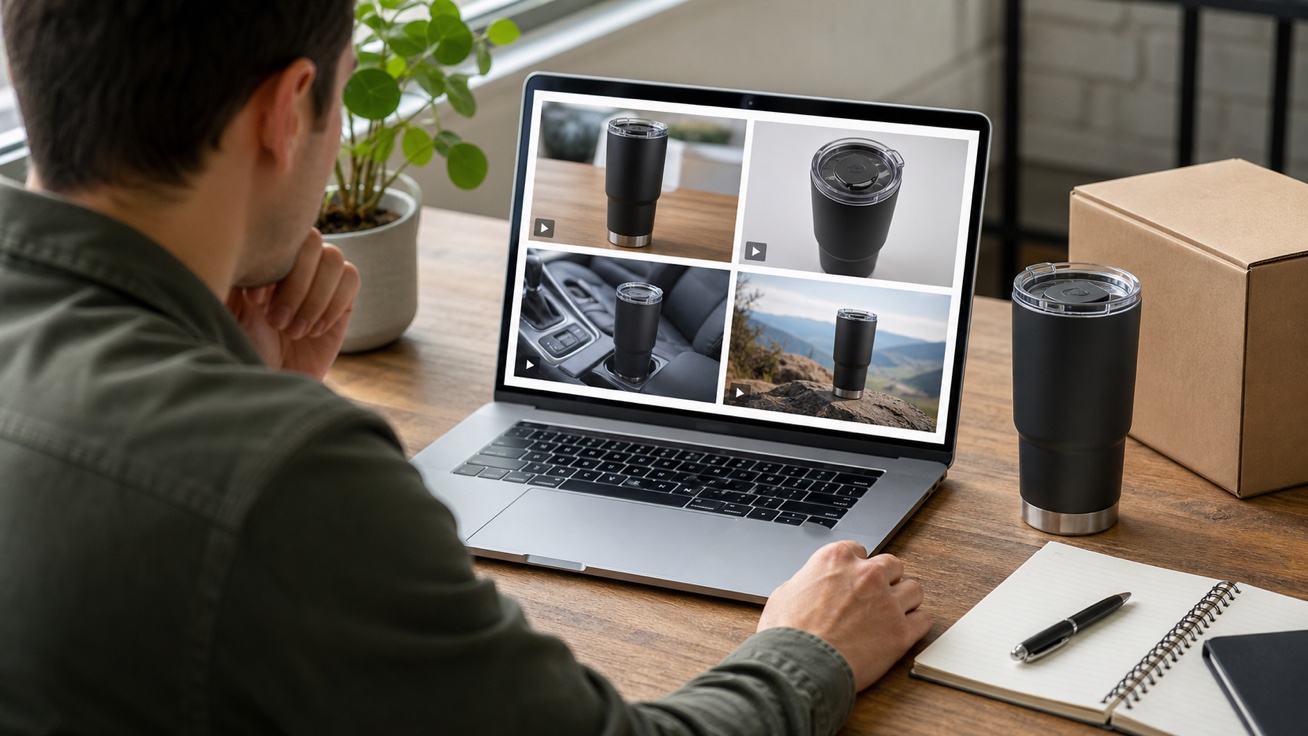

PPC Managers
Create controlled video experiments for high-intent ad groups and priority keywords. Change one variable at a time—such as the hook, visible benefit, use scene, offer, or CTA—so performance differences are easier to interpret and act on.
Upload product images, enter feature points, or add keyword direction, ad group angle, offer, and campaign prompt.
Select the hook, benefit, use scene, deal message, product angle, or CTA you want to test first.
Create Sponsored Products video variations, check product claims and campaign focus, then export for PPC testing or campaign refreshes.
 Use This Tool
Create product page videos from listing assets.
 Use This Tool
Turn Amazon product links into ecommerce videos.
 Use This Tool
Create Amazon Sponsored Brands video ads from approved product assets.
 Use This Tool
Turn product assets and selling points into focused video ads.
Use This ToolShow product benefits and key features quickly.
Use This ToolShow how a product works in a clear, guided video sequence.
Find answers to common questions about our AI video generation service.
It turns ASIN images and approved product features into videos for Sponsored Products campaigns. Nereo creates the video asset; campaign setup and publishing happen separately in Amazon Ads.
Amazon currently recommends 16:9 video at 1920×1080, in MP4 or MOV format, at least 7 seconds long and no larger than 500 MB. Verify the latest Ads Console requirements before exporting.
You can start with the free credits available in your Nereo account. Check the current pricing page for credit costs, watermarks, and export limits.
Amazon allows 1–5 feature videos per product within an ad group. Shoppers may see up to three relevant thumbnails, so each video should demonstrate a different feature.
No. Amazon removes audio from these videos. Use clear product actions and short feature text so shoppers can understand the message without sound.
Sponsored Products video focuses on one ASIN and links to its product page. Sponsored Brands video supports broader brand discovery and may link to a Brand Store or product page.