
Perfume reveal
Bring packaging, reflections and lighting into a single product hero shot.
Create AI product showcase videos from your product photos and a brief. Give shoppers a closer look with cinematic hero shots, detail-led scenes and a clear reason to take the next step.
صِف الفيديو الذي تريده — مثلًا «إعلان عمودي مدته 15 ثانية لعلامتي التجارية للقهوة»
Create AI product showcase videos from your product photos and a brief. Give shoppers a closer look with cinematic hero shots, detail-led scenes and a clear reason to take the next step.
Bring packaging, reflections and lighting into a single product hero shot.
Use a product photo as the reference for a focused showcase scene.
Move closer to a dropper and texture to give a product story a tactile feel.
Start with clear product images and describe the visual direction: a clean studio, a warm bathroom shelf or a dramatic launch reveal. Supply the colors, packaging details and brand references that matter so the creative has a concrete starting point.
Create a Product Showcase Ad
Plan a strong opening around your product. Ask for a slow push-in, a lighting reveal or a close-up of the finish. A focused shot gives viewers time to understand what you are selling before the next scene introduces a benefit.
Create a Product Showcase Ad
Pair an overall product view with specific details: a bottle texture, an applicator or a material finish. Use your brief to connect each scene to one supported selling point, then review the generated result for accurate shape, labels and product behavior.
Create a Product Showcase Ad
Explore a product-first reveal, a feature-led sequence or an offer-led ending using the same source assets. Change one creative choice at a time so your campaign tests can compare the opening, scene or message clearly.
Create a Product Showcase Ad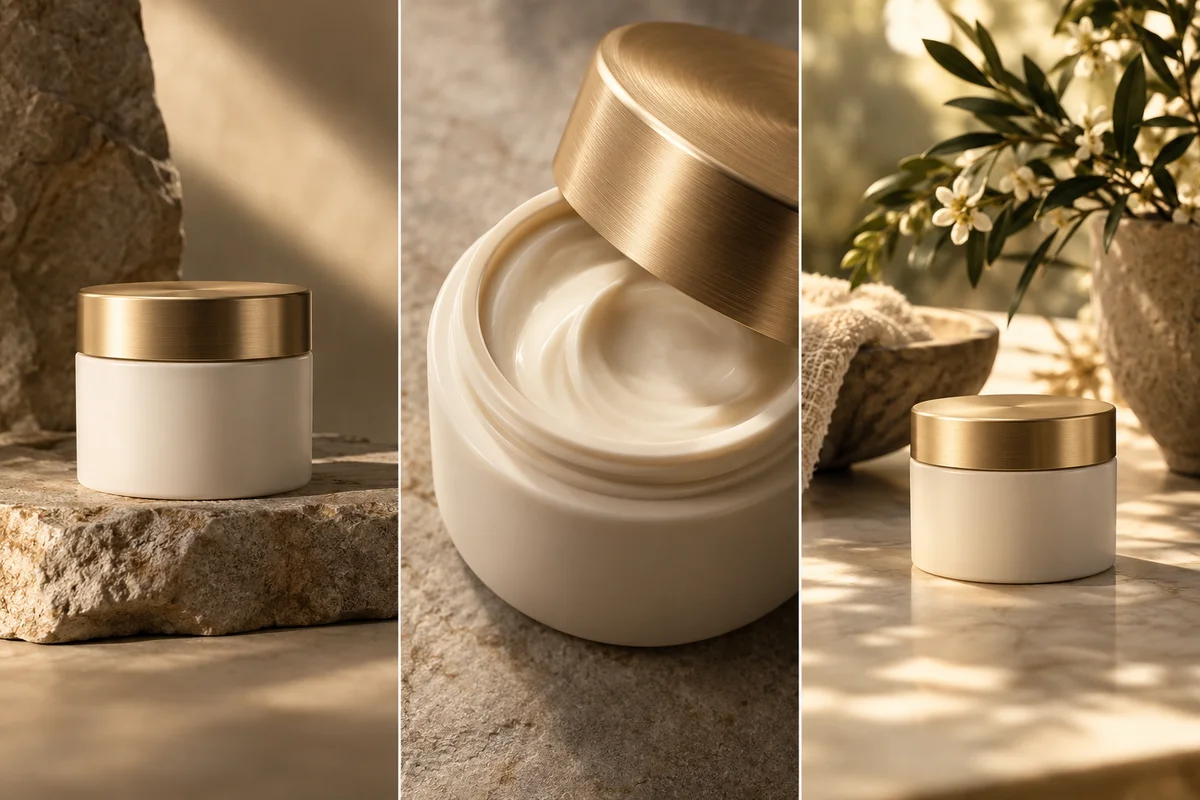

Ecommerce Product Pages
Help shoppers examine the product beyond a static listing image. Build short showcase clips around appearance, materials and the details they want to see before purchasing.
Open Product Ads, add your product image and describe the audience, key benefit and campaign goal. Include reference assets and the product details that must stay accurate.
Describe the setting, camera movement, sequence and ending. Select the available format and generation options that fit your intended placement.
Generate your ad, check the product details and messaging, and refine the result if needed. Download the version you want to use in your campaign.
 Use This Tool
Start your next product video project.
 Use This Tool
Build a video concept around an existing product photo.
 Use This Tool
Explore creator-style product storytelling.
 Use This Tool
Prepare product imagery for your next creative brief.
 Use This Tool
Show product value in a short guided sequence.
 Use This Tool
Create launch clips for new products and variants.
Find answers to common questions about our AI video generation service.
An AI product showcase video uses generated motion and scenes to present a product, its appearance and its key details. It can include a hero shot, feature close-ups and an ending that invites viewers to shop or learn more.
Open Nereo Product Ads, add your product photo and describe the sequence you want. Include the audience, selling point, setting and call to action, choose the available generation options, then generate and review your video.
Use a sharp, well-lit photo with the product fully visible. Clear packaging and an uncluttered background make the reference easier to understand. Add other views when the creative requires details that are not visible in the first image.
Showcase ads put the product at the center through lighting, motion and close-ups. UGC-style ads usually use a presenter or creator-style story to introduce the product. Choose the format that fits the message you want to communicate.
Yes. You can plan product showcase videos for ecommerce pages, launches and social campaigns. Select a suitable aspect ratio from the available options and check the finished file against the requirements of your intended placement.
AI generation can alter small details, lettering or product geometry. Provide clear references and review the finished video carefully, especially labels, logos, colors and any demonstration of how the product works.
Generation uses credits. The required amount depends on the model and settings available in your workspace. Review the displayed credit cost and your current balance before starting a generation.
Check the terms that apply to your plan and the selected model, and use source images, logos and other assets you have permission to use. Review product claims, offers and generated details before publishing an ad.