
Input to Output
Upload a photo, paste a URL, or drop a script. Nereo converts any input into a complete, scene-by-scene video brief ready to produce.
Turn product screenshots, scripts, or URLs into polished feature highlight videos — no editing skills needed. Nereo structures your inputs into scene-by-scene video briefs with captions, CTAs, and platform-ready formats in minutes.
صِف الفيديو الذي تريده — مثلًا «إعلان عمودي مدته 15 ثانية لعلامتي التجارية للقهوة»
Showcase product features, benefits, and value props in high-converting AI feature highlight videos. Nereo structures your inputs into campaign-ready video concepts with clear scenes, visual flow, captions, and conversion-focused CTAs.
Upload a photo, paste a URL, or drop a script. Nereo converts any input into a complete, scene-by-scene video brief ready to produce.
Get vertical (9:16), square (1:1), and widescreen (16:9) specs for TikTok, Instagram, YouTube, and paid ads — all from one brief.
Get 3–5 distinct creative directions per brief: different hooks, benefit angles, and CTAs — ready to test without rebriefing.
Most feature videos lose viewers in the first 3 seconds by leading with the product, not the outcome. Nereo structures every scene benefit-first — so viewers get the value instantly.
Create Feature Highlight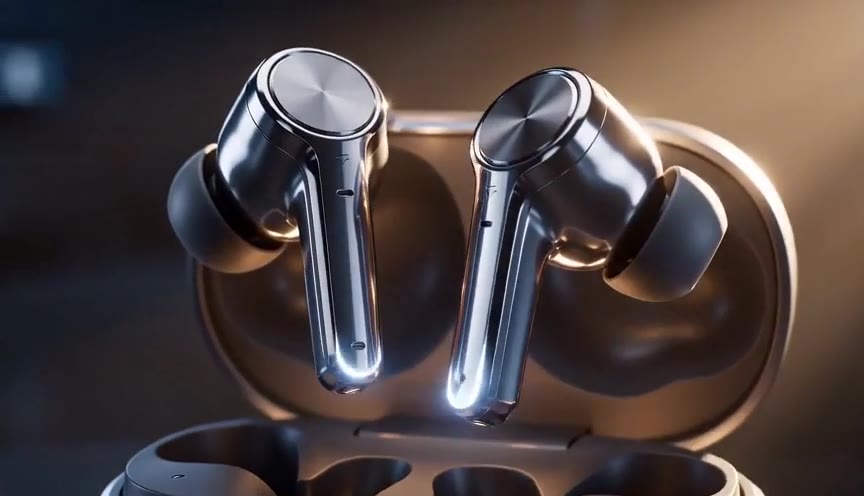
Nereo flags the moments with the highest conversion potential — the outcomes buyers care about, the comparisons that overcome objections — and turns them into a prioritized scene list.
Highlight Product Features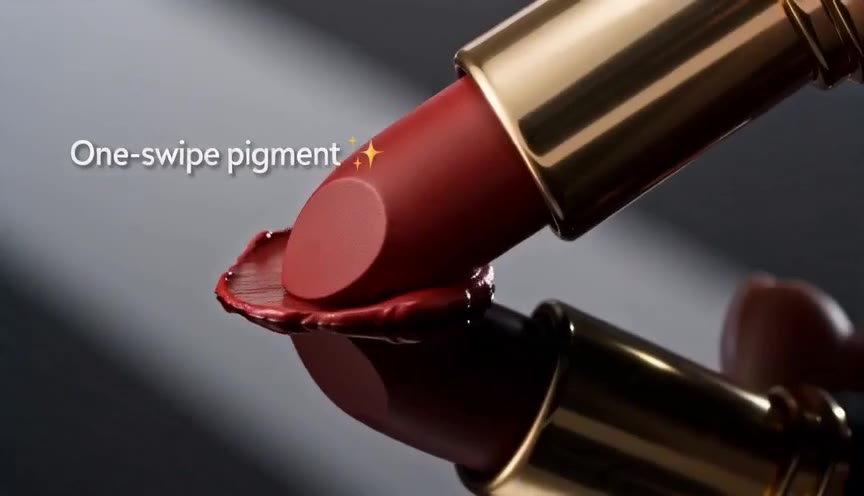
Define your brand colors, motion style, and caption font once. Nereo applies them across every scene and variant — consistent across platforms without manual style checks.
Create Brand Feature Videos
Nereo outputs scene direction, caption text, voiceover script, and export specs for each placement. Run it through the AI generator or hand it to your team — no timeline scrubbing required.
Create Feature Clips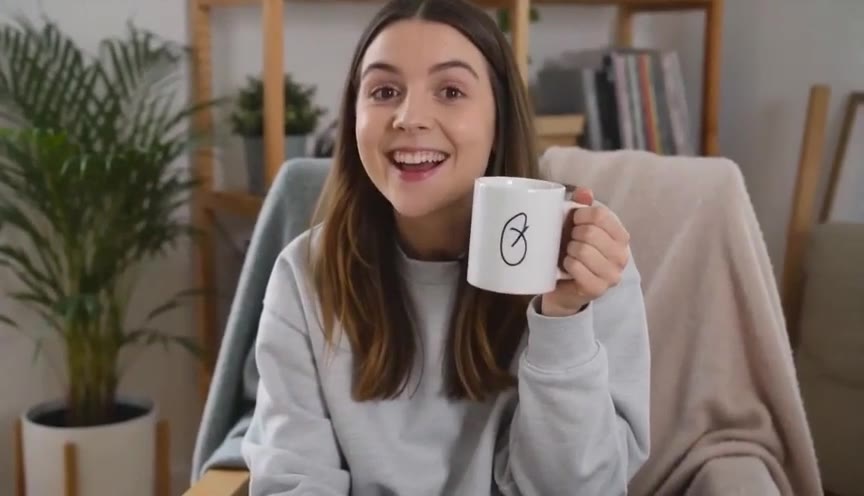

Product Teams
Turn feature releases into 30-second explainer clips. Brief your video in minutes — paste the changelog, upload a screenshot, and get a scene-by-scene brief with captions and CTAs for your launch post, docs page, and in-app onboarding.
Name the feature, the buyer problem it solves, and the outcome it delivers. Add a product screenshot or demo clip, then choose your audience and target platform.
Choose a problem-solution, feature-in-action, or before-and-after format. Set the visual style, caption tone, motion, and CTA for the finished video.
Generate a scene-by-scene brief with captions, voiceover, callouts, and export specs. Check every claim, then produce it with Nereo or hand it to your team.
 Use This Tool
Create product demo videos that show your product in action — from links, photos, and use-case briefs — for sales pages, ecommerce listings, and onboarding flows.
 Use This Tool
Turn product benefits and selling points into clear explainer videos that educate cold audiences — for landing pages, awareness ads, and top-of-funnel sales funnels.
 Use This Tool
Create SaaS demo videos for onboarding, sales walkthroughs, launches, pricing explainers, and customer training.
 Use This Tool
Create high-impact launch videos for new product drops, brand announcements, and launch-day campaigns — from product photos, launch ideas, and campaign briefs.
 Use This Tool
Turn any product URL, image, or brief into a polished product video ad — showcase videos, lifestyle scenes, feature demos — ready for TikTok, Instagram, Amazon, and Shopify in minutes.
 Use This Tool
Generate conversion-optimized product video ads from product images, benefits, and offers — built for A/B testing, paid social performance, and ongoing campaign traffic.
Find answers to common questions about our AI video generation service.
An AI Feature Highlight Video Maker turns product screenshots, URLs, scripts, or feature notes into a benefit-led video plan. Nereo structures the input into a scene-by-scene brief with a hook, visual direction, captions, voiceover, CTA, and placement-ready format specs.
You can upload product photos or screenshots, paste a product page URL, drop in a script or changelog, or describe the feature in your own words. For stronger results, include the audience, the problem solved, the outcome, supporting proof, target platform, and CTA.
Add your source material, choose the audience and placement, then generate a structured brief. Nereo leads with the buyer outcome, shows the feature in action, adds proof and benefit captions, and closes with a clear CTA. Review product claims and brand details before generating or handing the brief to your production team.
No. Nereo provides scene direction, caption text, voiceover copy, CTA guidance, and export specs without requiring you to build the concept on a video timeline. You can run the brief through the AI generator or hand it directly to an editor or production team.
Create vertical 9:16 specs for TikTok, Instagram Reels, and YouTube Shorts; square 1:1 specs for social feeds and marketplace placements; and widescreen 16:9 specs for landing pages, YouTube, product demos, and sales presentations. One brief can be adapted across all three formats.
Yes. Give each feature its own scene and benefit, or generate 3–5 separate creative directions from one brief. Nereo can vary the hook, benefit angle, proof point, and CTA so product and growth teams can test different messages without starting from scratch.