
Input to Output
Convert your starting asset into a structured video ad concept with clear scenes.
Create cinematic car videos from prompts, vehicle photos, inventory assets, and campaign ideas without filming or manual editing.
صِف الفيديو الذي تريده — مثلًا «إعلان عمودي مدته 15 ثانية لعلامتي التجارية للقهوة»
Nereo helps dealerships, creators, ecommerce teams, and agencies turn car photos, prompts, and campaign ideas into cinematic automotive video concepts. Create showroom shots, driving scenes, environment swaps, and platform-ready car ads without a production crew.
Convert your starting asset into a structured video ad concept with clear scenes.
Plan vertical, square, and widescreen formats for paid social and ecommerce workflows.
Create multiple hooks, benefits, scenes, and CTAs from one brief.
Create car video concepts with believable wheel motion, reflections, road movement, and dynamic camera language for premium auto campaigns.
Create Driving Videos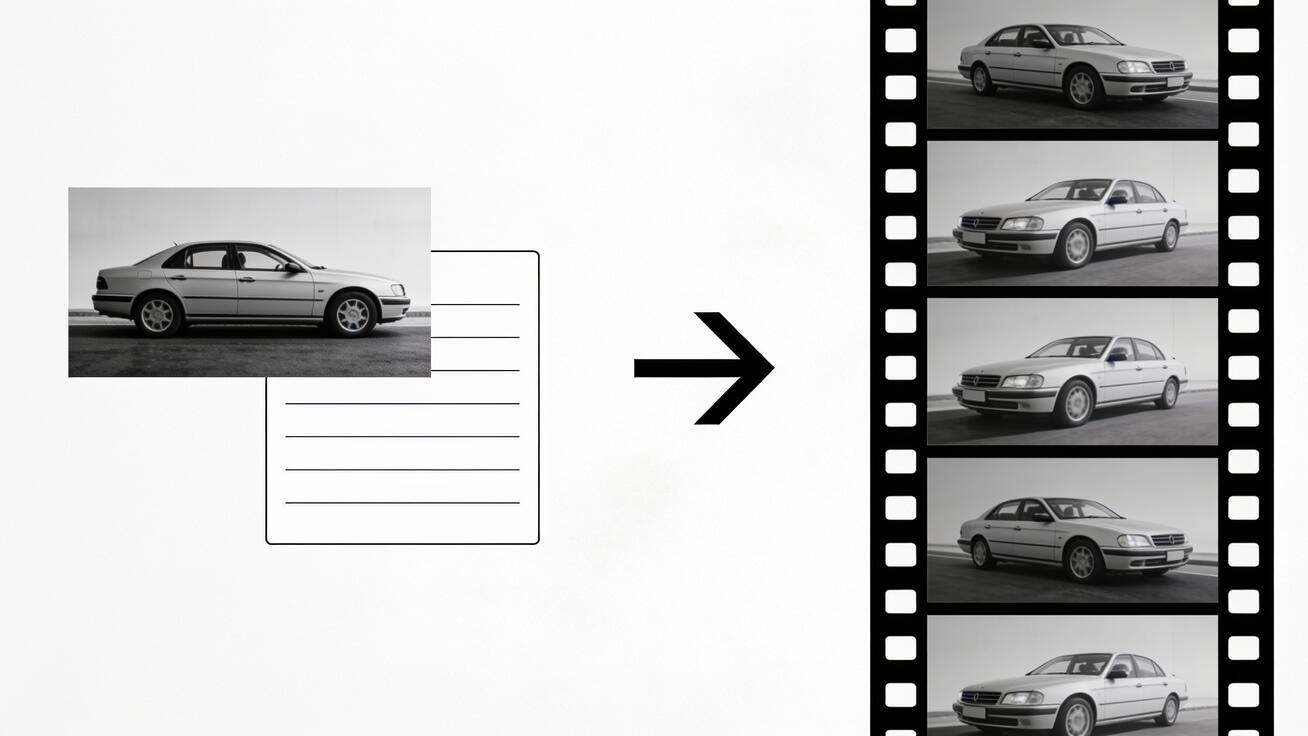
Move a vehicle from showroom to highway, desert, city, or luxury campaign setting without a location shoot or post-production team.
Swap Car Environments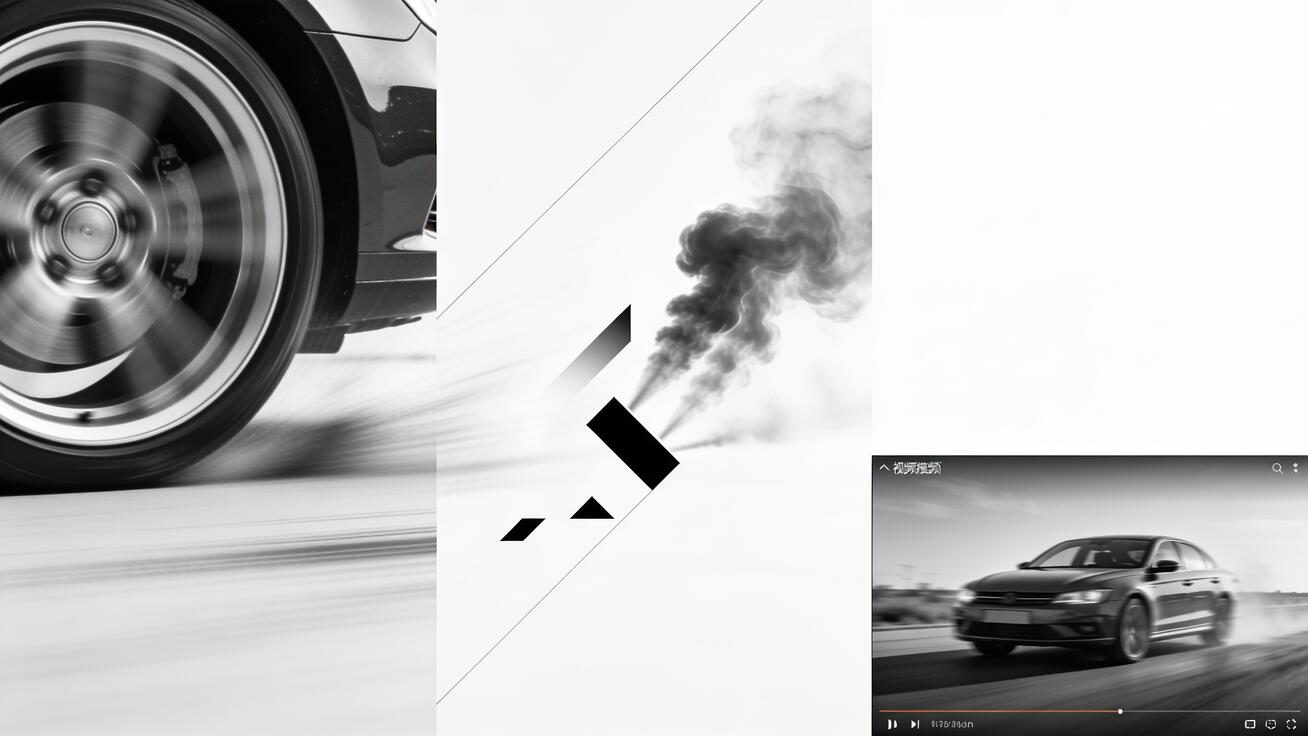
Use premium lighting direction, reflections, and detail shots to make every vehicle feel ready for a commercial or inventory showcase.
Create Studio Car Clips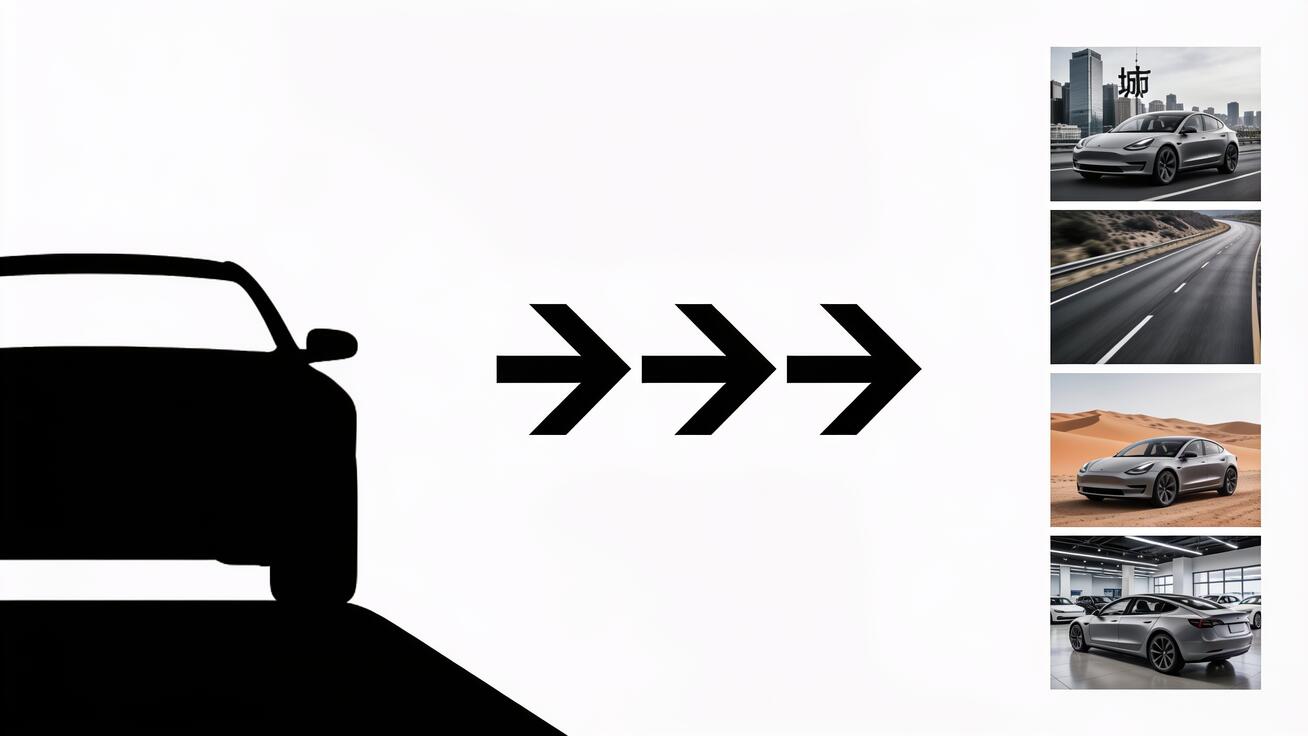
Plan car videos for TikTok, Reels, YouTube, dealership pages, and pitch decks while keeping the vehicle centered and the brand front.
Create Car Ad Formats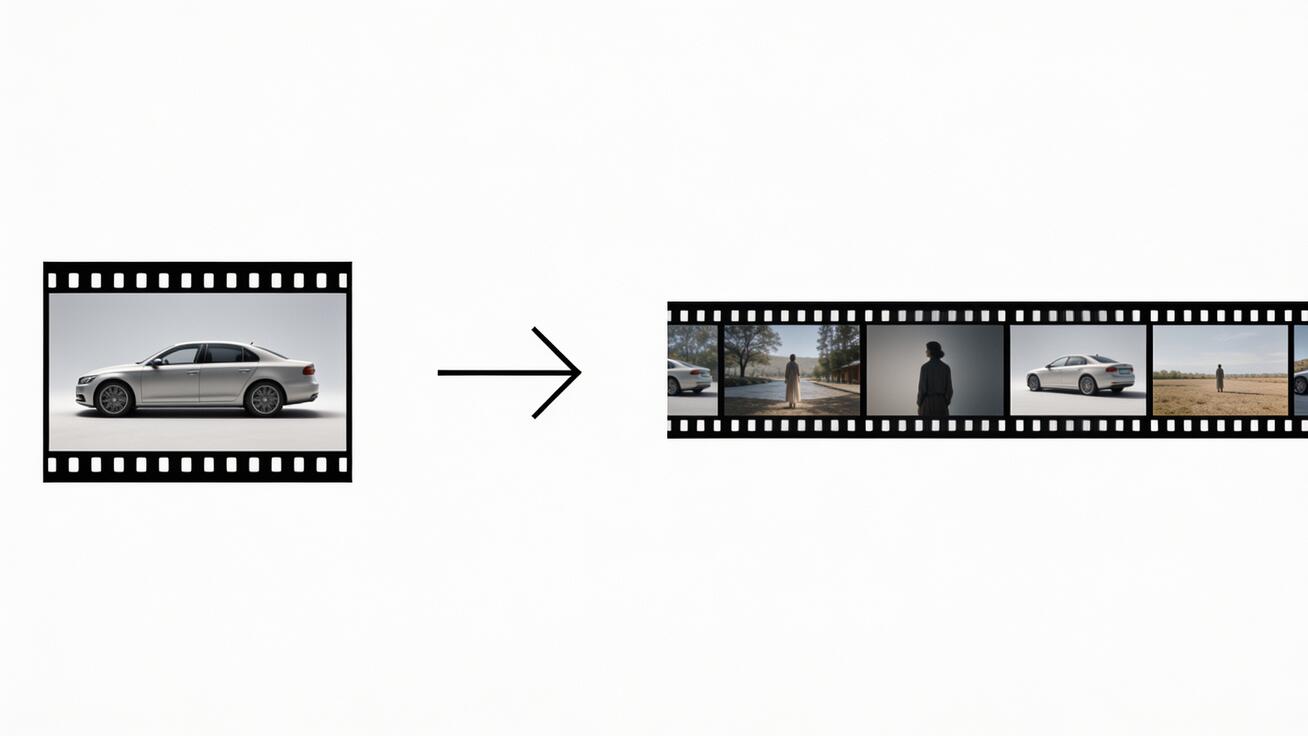

Dealers
Turn static vehicle photos into video ads that can drive inquiries and showroom interest.
Upload exterior and interior vehicle photos, or describe the make, model, year, trim level, and key specs you want highlighted. Add the target buyer profile (first-time buyer, performance enthusiast, family SUV shopper, EV early adopter), the campaign context (new model launch, clearance event, lease promotion, awareness), and the offer details — lease price, APR, inventory count, or launch date. Include dealership name and location if running local ads.
Select the creative approach: exterior studio (cinematic 360 rotation with dramatic lighting), in-motion driving (tracking shots on scenic roads, dashboard POV, action-oriented pacing), environment placement (place the vehicle in a desert, city, coastal, or mountain setting without a location shoot), or lifestyle narrative (vehicle as part of an aspirational owner story). Set the tone — luxury and minimal, performance and aggressive, family and warm, EV and futuristic — and pick the platform: 9:16 social, 1:1 feed, or 16:9 for website and YouTube.
Get a complete automotive video brief with scene-by-scene direction, shot type guidance, caption placement, spec callouts, and CTA. Before publishing paid ads, verify all spec claims — acceleration times, range figures, towing capacity, pricing — against the official manufacturer specs and current inventory. Dealership ads must comply with regional advertising standards, including disclaimer requirements for lease and financing terms. Use Nereo's variant output to test exterior, in-motion, and lifestyle creative styles before scaling spend.
 Use This Tool
Generate ad creative concepts for product campaigns.
 Use This Tool
Create product ad videos from assets and offers.
 Use This Tool
Create creator-style ads and testimonials.
 Use This Tool
Create promotional videos for offers and launches.
 Use This Tool
Adapt winning ad structures to new products.
 Use This Tool
Convert ad scripts into video ad concepts.
Find answers to common questions about our AI video generation service.
An AI car video generator turns vehicle photos, specs, and campaign briefs into cinematic automotive video concepts — with scene direction for exterior reveals, driving sequences, feature.
A dealership video ad needs five elements: (1) A strong opening shot — the vehicle in motion or a cinematic exterior reveal, not a static photo.
No. Start with a clear input and campaign brief. Nereo helps structure the video ad flow, but you should still review the creative before launch.
Yes. You can create different hooks, offers, scenes, CTAs, aspect ratios, and retargeting angles from the same input.
You can plan video ads for TikTok, Instagram Reels, Facebook, YouTube Shorts, product pages, landing pages, email, and marketplace-style campaigns.
You can start with available free credits or trial access when offered, then upgrade based on export needs and usage. Review plan limits and commercial terms before publishing.
You generally own the output you create, subject to your plan, uploaded asset rights, third-party materials, music, model releases, brand rights, marketplace rules, and platform policies.
Start with a product URL, photos, clips, script, audience, offer, and platform goal. Clear benefits and CTA details help Nereo create more useful ad directions.