
Turn Listing Assets Into a Video Draft
Organize assets, message flow, visuals, and final output in one product video creation workflow.
Create Amazon product videos from listing photos, bullet points, product details, and simple prompts—without arranging a new shoot.
Mô tả video bạn muốn — ví dụ: “video quảng cáo dọc 15s cho thương hiệu cà phê của tôi”
Nereo helps sellers, FBA teams, device brands, home appliance teams, and deal marketers turn product photos, bullet points, descriptions, accessories, and variants into clear product page videos. Help shoppers understand product value faster without a studio shoot.
Organize assets, message flow, visuals, and final output in one product video creation workflow.
Use product photos, listing copy, and selling points to shape videos around what shoppers need to understand.
Move from product assets to usable product videos without scripting, filming, cutting, captioning, or rebuilding.
Turn product photos, bullet points, and descriptions into videos that show how your product looks, works, and fits real use. Nereo helps answer size, setup, accessory, and benefit questions before shoppers bounce.
Create Listing Video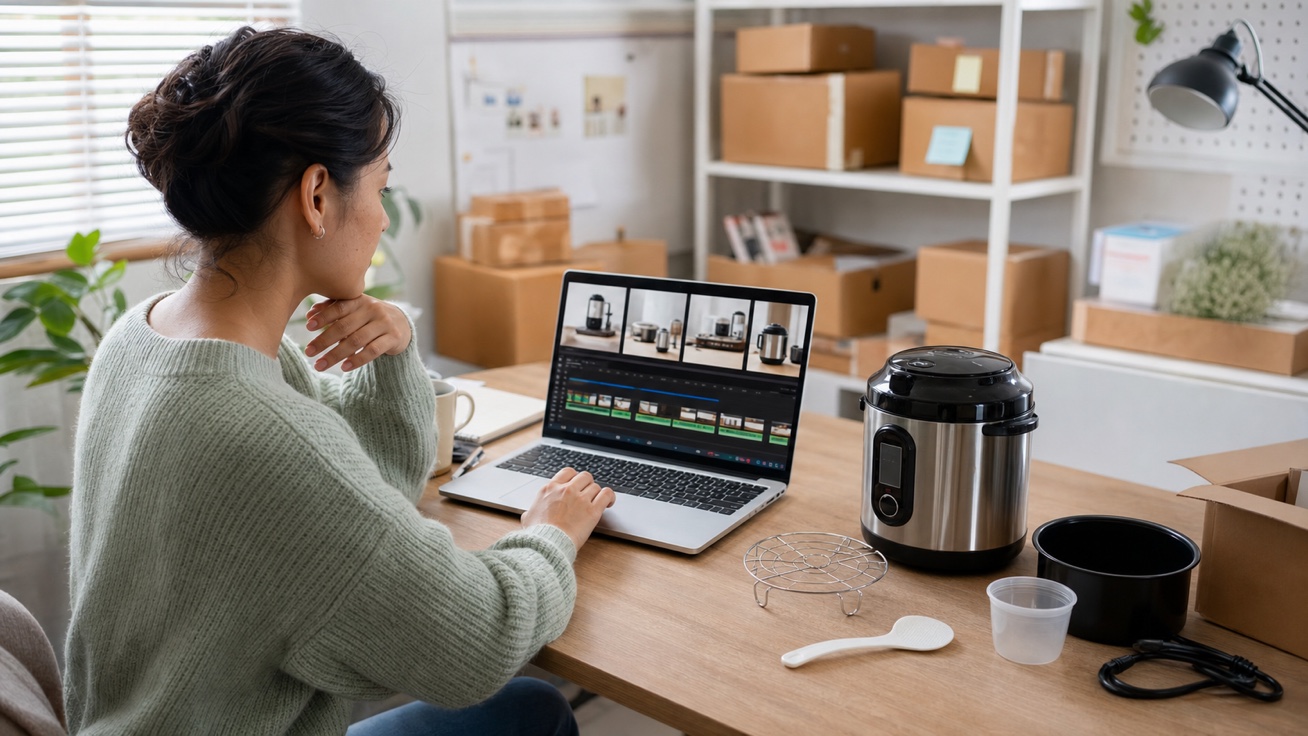
Use existing assets to show unboxing, setup, operation, packaging, accessories, cleaning, or everyday use without a full production cycle. Make the product feel easier to understand and trust.
Create Product Demo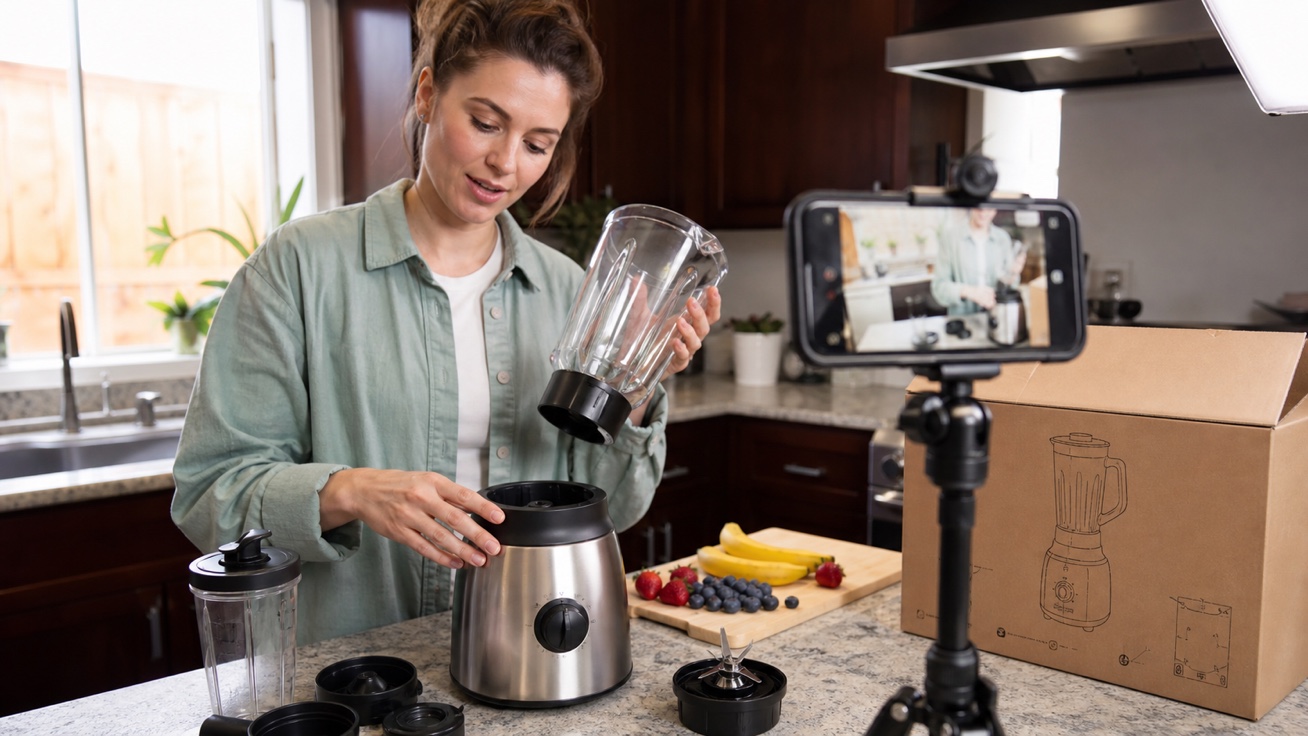
Place products into useful ecommerce contexts such as home use, travel, kitchen routines, beauty steps, workspace setups, or outdoor scenes. Show shoppers where the product fits before they buy.
Create Context Videos
Create tailored versions for colors, sizes, bundles, seasonal offers, and high-traffic deal campaigns. Prepare variant and bundle videos before promotional traffic arrives.
Create Variant Refresh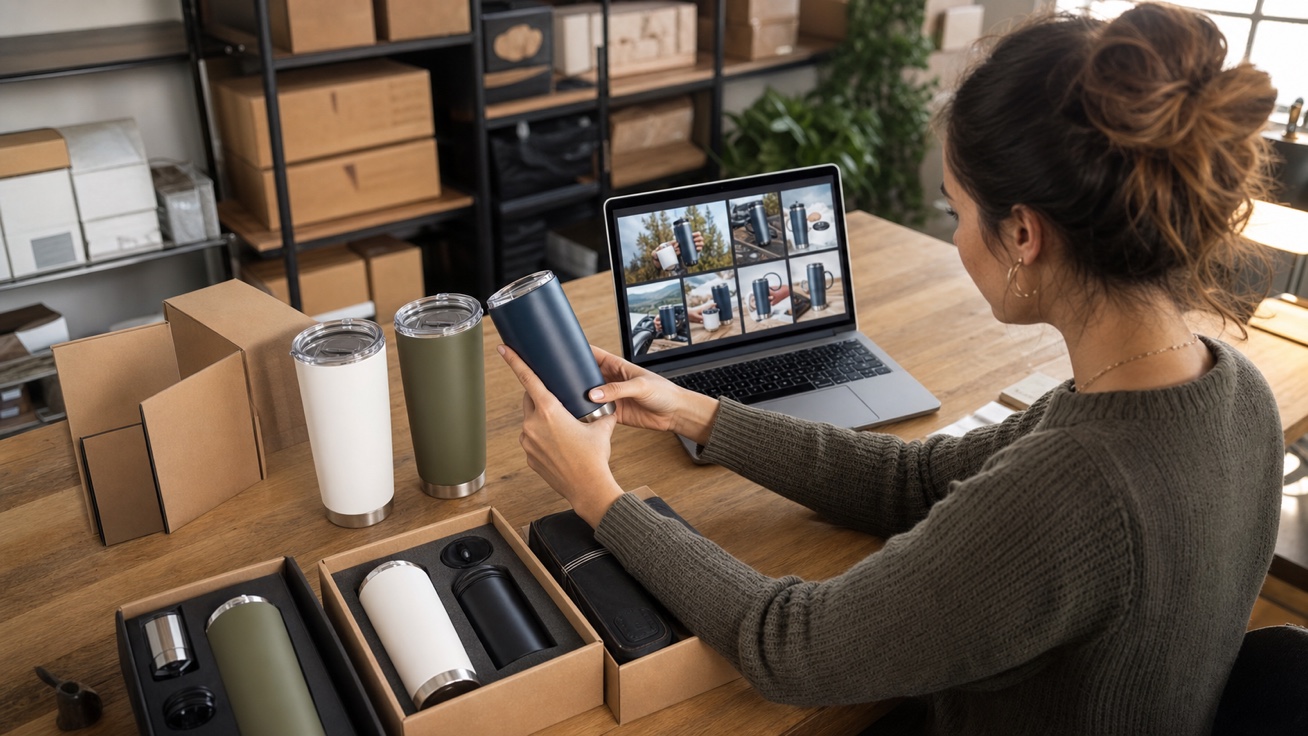

Feature Demo
Refresh product detail pages with videos that show key features, real-world use, included accessories, and practical benefits. Give shoppers the context they need to compare options, understand your offer, and buy with greater confidence.
Upload product images, paste listing copy, or add bullet points, accessories, setup steps, variants, offer, and buyer objections.
Select product page upgrade, setup demo, feature highlight, context video, bundle refresh, or deal campaign variation.
Create product video variations, check listing accuracy and claims, then export the strongest version for PDPs, ads, or launch campaigns.
 Use This Tool
Turn Amazon product links into ecommerce videos.
 Use This Tool
Create product ad videos from assets and offers.
 Use This Tool
Show product value in a short guided sequence.
Use This ToolShow product benefits and key features quickly.
 Use This Tool
Create launch clips for new products and variants.
 Use This Tool
Turn store product links into ecommerce videos.
Find answers to common questions about our AI video generation service.
An AI Amazon product video maker turns product photos, listing copy, and verified selling points into short video drafts. It can help create feature demos, setup guides, variant videos, and promotional clips without a traditional shoot.
Upload clear product images, add accurate listing details, and describe the video goal in a prompt. Generate the draft, then review the product appearance, claims, text, audio rights, and export settings before publishing.
Requirements vary by placement, marketplace, and video type, so check the latest rules in Seller Central or Amazon Ads before uploading. Confirm the format, duration, resolution, language, product claims, and rights to all images, music, logos, and other assets.
Use the specifications required by your chosen Amazon placement. For Sponsored Brands video, Amazon currently requires 16:9, 720p or higher, and 6–45 seconds, while recommending videos of 20 seconds or less.
Yes. Use Nereo’s Amazon URL to Video tool to turn a public product page into a video draft. Always verify imported titles, images, features, prices, and claims before generating or publishing.
You need to sign in to generate. New Nereo accounts currently receive 6 free credits that expire after one month, while the default 4-second, 480p Amazon product video currently costs 16 credits after the displayed discount, so signup credits alone do not cover a default generation. You can apply any other free credits shown in your account. Completed product videos can be downloaded, this workflow currently adds no Nereo watermark, and it has no separate export-count limit. Check the credits and live generation cost shown in your account because pricing and limits may change.